Before you Begin
You should know how to do the following:
- Download and install an application from an app store (such as Apple's App Store or Google Play Store).
- Locate a list of available Wi-Fi networks on your smart device (phone or tablet)
You need the following:
- Ayla IoT Design Kit
- Computer/laptop with a browser installed
- Smart device, iOS or Android (phone or tablet)
- Power source (on computer/laptop if available) for the USB adaptor that comes with the Ayla IoT Design Kit
- Internet access via a Wi-Fi connection (hotspot or wireless access point)
- Smart device (iOS or Android phone or tablet) with the following installed:
- Email application to confirm your Ayla Developer's account
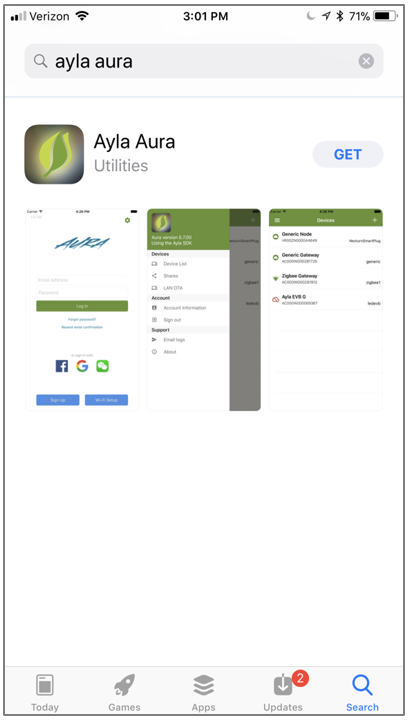
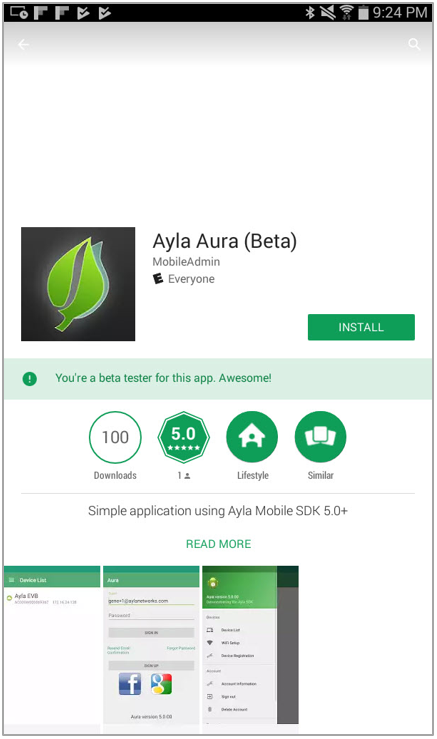
- Ayla Aura mobile application
|
If you are using an iOS device, download |
 Ayla Aura from iTunes